
Short answer
Open the studio, tap the seats you want to replace and add one clear front-facing portrait per seat, choose 480p, 720p or 1080p, accept the consent box and press Make my band video. The clip renders in a few minutes as a 19-second vertical MP4 with the original music. One person costs the same as five.
Open the studioWhat changed
- — Per-shot rendering shipped: unused seats no longer cost render time.
- — 1080p delivered as an AI upscale of a 720p master.
How to make a Tiny Desk AI video
Five seats, one portrait each, no prompt. Here is the whole process, including what to do when a face does not land.
Updated 2026-10-29
There is no timeline and no prompt box. The performance is fixed, so the only decision you make is who stands in each of the five seats. That is why the whole flow fits on one screen, including on a phone.
Step 1 — pick the seats you want to replace
The studio shows five seat cards, each with the face of the performer currently in that seat. Tap a card to add a photo. If you only want one person on stage, use the lead singer seat — it owns the opening shot and the close-up that carries the joke.
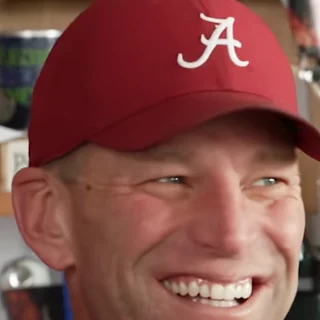
1.Lead singer
Shots 1 and 3
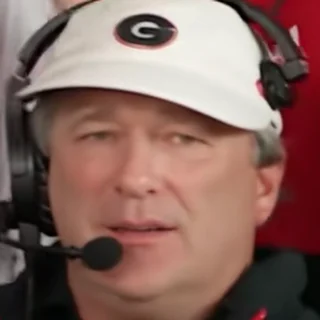
2.Keyboard
Shots 2, 4 and 5
3.Backing vocal · left
Shots 2 and 5

4.Backing vocal · right
Shots 2 and 5
5.Saxophone
Shot 4
Not sure which seat is which? Who you can replace explains every seat with the shot it appears in.
Step 2 — choose photos that will survive the render
The model is doing identity replacement, not face-swapping two frames. It has to hold a face across head turns, a laugh and three camera angles. A sharp, front-facing portrait with even light is the single biggest quality lever you control.
- Front-facing, eyes open, whole head in frame with a little space above the hair.
- Even light. A window or a ring light beats a dim room or a hard side light.
- One person per photo. Group photos and screenshots of other videos perform badly.
- No sunglasses, no heavy filters, no hats pulled low over the eyes.
- At least 512 pixels on the short side. A blurry 100-pixel avatar will not hold up.
The full checklist lives in Tiny Desk AI photo requirements.
Step 3 — pick a resolution
| Quality | Resolution | Credits (solo / 2–3 / 4–5) | When to use it |
|---|---|---|---|
| Draft | 480p | 7 / 9 / 11 | A cheap check that the faces landed. |
| Standard | 720p | 10 / 13 / 16 | The default. Sharp on a phone screen. |
| Full HD | 1080p | 15 / 20 / 25 | AI-upscaled from a 720p master render. |
Price moves in three cast tiers: 1 person, 2–3 people and 4–5 people. A five-person band costs more than a solo lead because every shot has to be rendered.
Step 4 — render, download, post
Rendering happens per shot. A solo lead only needs two shots, so it usually finishes faster than a full band that needs five. You get a 720×1280 vertical MP4 at 24fps with no watermark and the original audio bed.
If the platform mutes licensed music, use the silent copy and pick a track from the platform library. Label the post as AI-generated.
What to do when a face does not land
- 1Check the photo first. If the face is small, side-on or shadowed, replace it.
- 2Move important people into seats that get close-ups: the lead singer seat is the only one with a real close-up.
- 3People at the edge of the wide shots are the hardest to replace. That is a limitation of the source footage, not something a retry will fix.
- 4If the render is visibly broken, it counts as a failed render and the credits come back.
Costs, refunds and the exact credit rules are on is Tiny Desk AI free.