The friend group
Five faces, one band. Fill every seat and drop it in the group chat.
The Outstanding Tiny Desk trend
Put 1–5 people in the band
Upload one photo — or five. We keep the original 19-second Tiny Desk performance, the music and the camera cuts, then swap the performers for the people you choose. Vertical 9:16. No app, no prompt, no timeline.
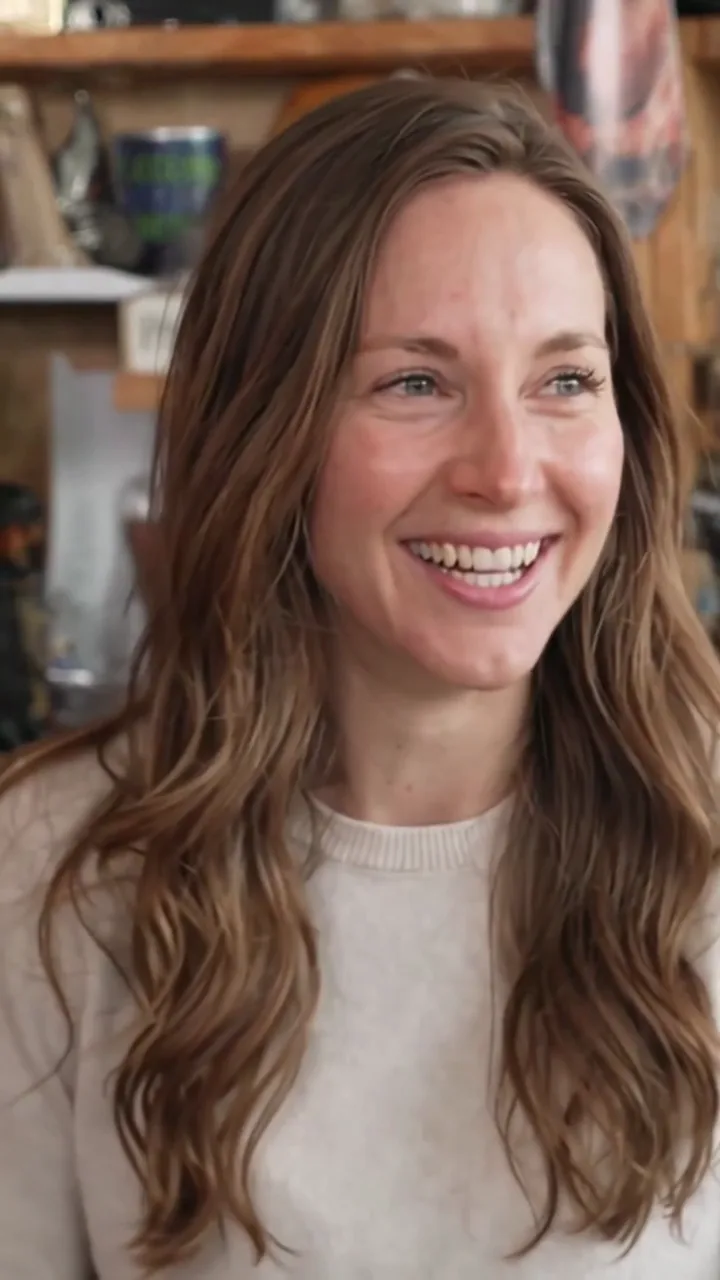
Full band · 5 people
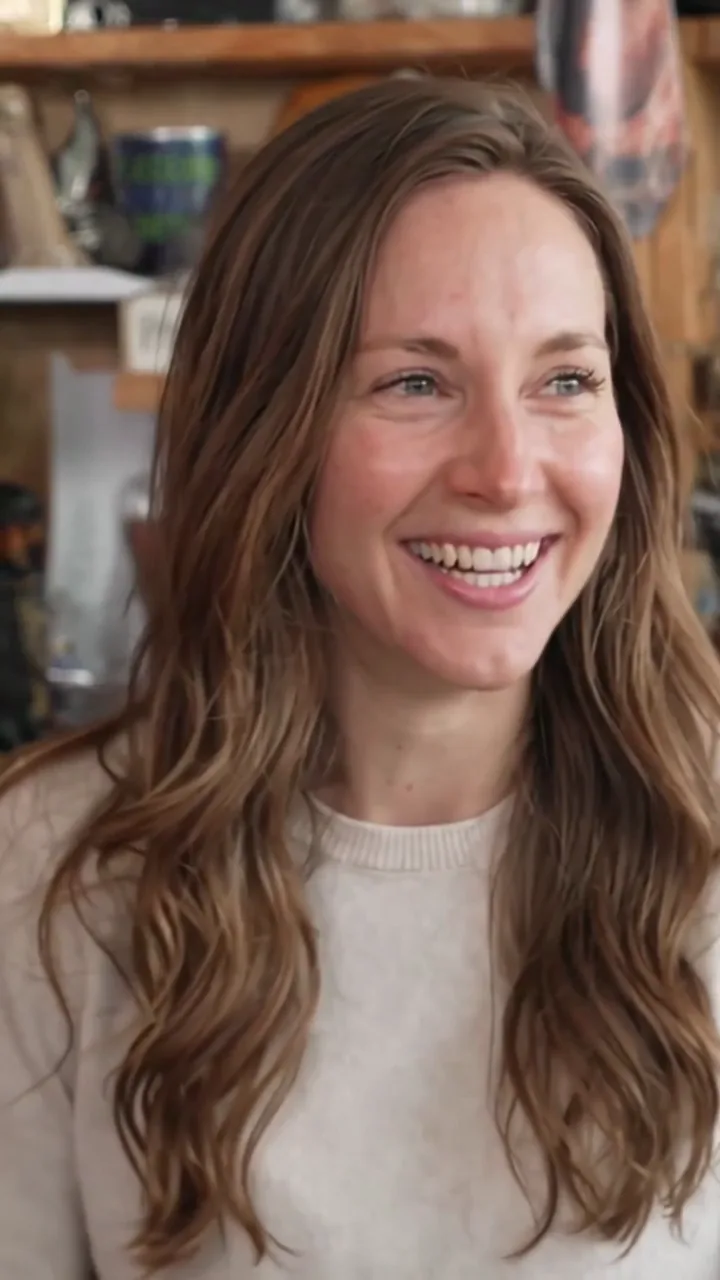
Solo · 1 person
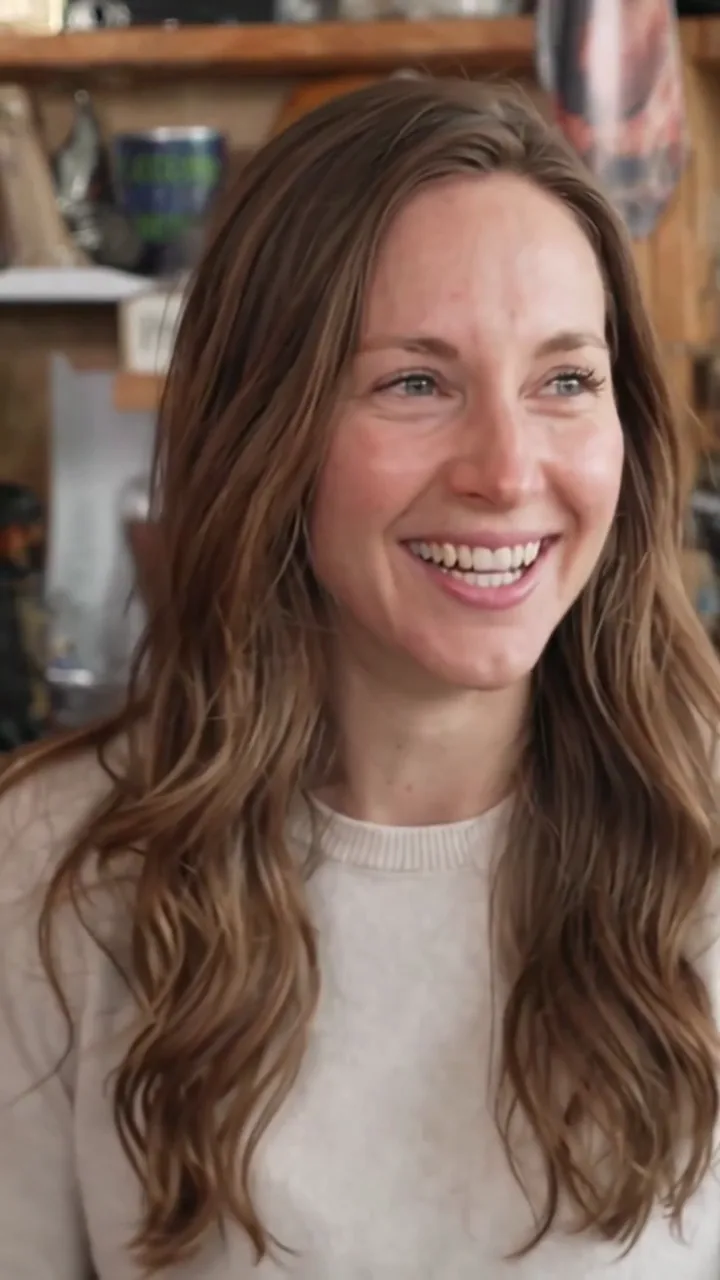
The laugh close-up
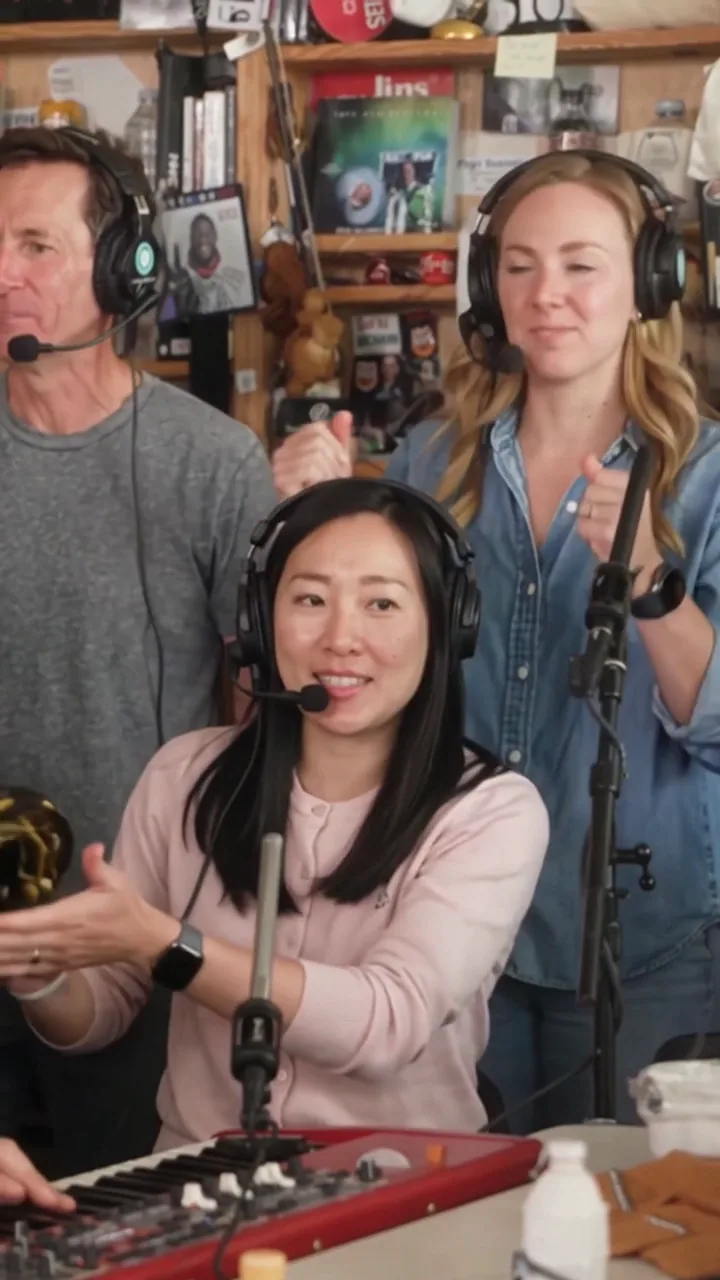
The band shot
Every clip on this page is a real render of the same 457-frame master. Unmute any card to hear the original track.
No subscription · Original music kept · Failed renders are never charged
How it works
The clip has five fixed seats: lead singer, keyboard, two backing vocals and saxophone. Each seat is optional. Fill all five and the whole band changes; fill one and only that performer changes, while the rest of the band stays exactly as it is in the original.
The music, the four hard cuts, the camera moves and the 9:16 framing are untouched. That is why the result still reads as the clip you already know — only the people are yours.
You upload


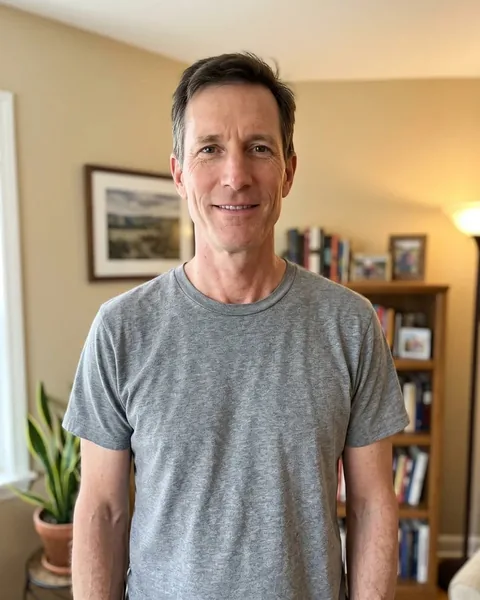
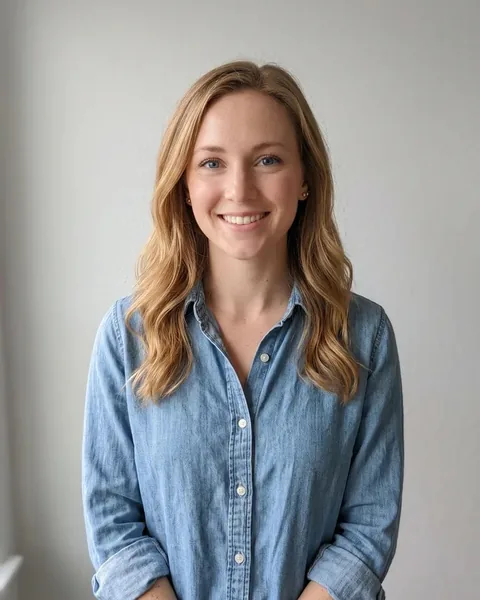
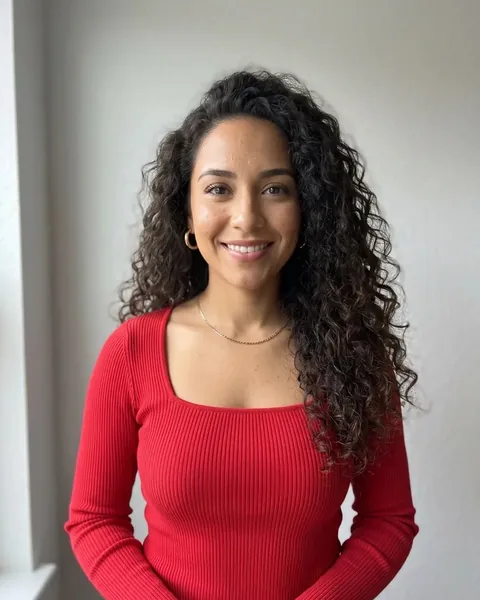
You get
What it is
Tiny Desk AI is a video tool built for the “Outstanding Tiny Desk” meme: a 19-second vertical clip of a band performing The Gap Band's “Outstanding”, where the performers are replaced with faces you upload.
It is not a text-to-video generator. Nothing about the performance is invented. The original music, the four hard cuts and the camera moves stay locked, and only the people at five fixed seats change.
Choose anywhere from one to five seats, add a clear portrait for each, pick 480p, 720p or 1080p, and the clip renders in a few minutes with the original audio bed.
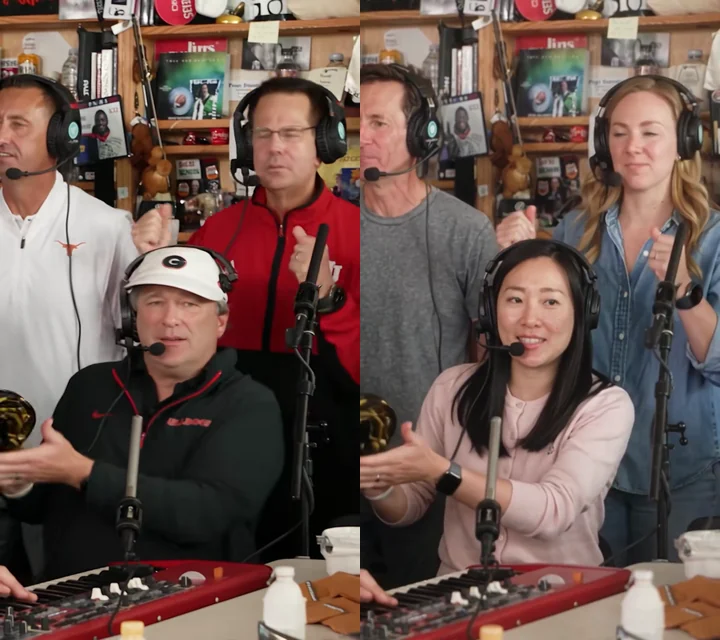
Left: the reference frame. Right: the same frame after five seats were replaced.
The line-up
Five fixed seats. Each maps to a specific person in the reference, and each is optional. The numbering is the order photos are passed to the model, so a seat always means the same person across renders.
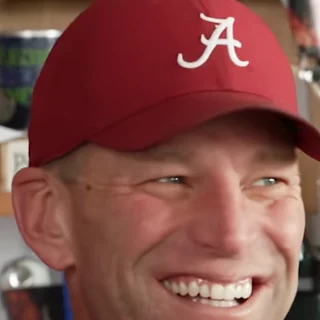
1 Lead singer
The close-up. The laugh, the head turn, the line everyone replays.
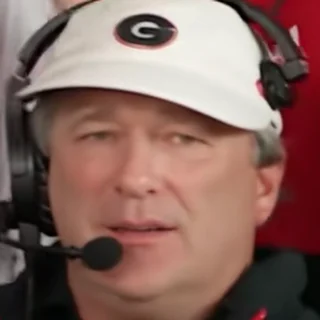
2 Keyboard
Front-centre behind the red keyboard. Appears in three of the five shots.
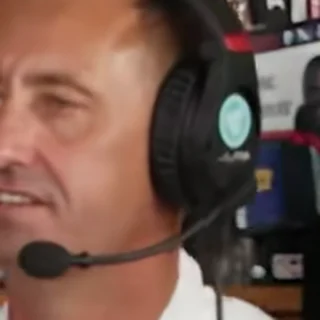
3 Backing vocal · left
Stands on the left of the band and fist-pumps in the wide shots.
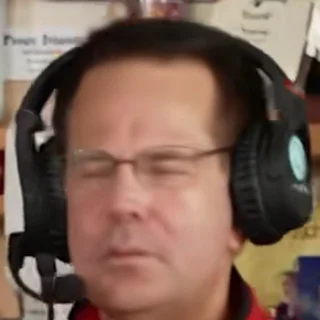
4 Backing vocal · right
Stands on the right of the band with glasses and claps on the beat.
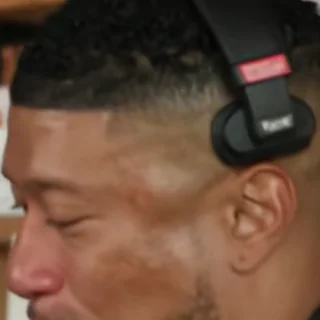
5 Saxophone
Owns the sax solo near the end of the clip.
An empty seat is not removed from the shot — the original performer simply stays.
Three steps
No timeline, no prompt, no plugin. The only decision is who goes on stage.
Tap a seat and add a clear, front-facing portrait. One is enough to start; five fills the band.
The clip is five shots. Only the shots containing one of your people are re-rendered, then stitched back on the original hard cuts.
You get a vertical MP4 with the original music and no watermark. Post it, or download a silent copy for platforms that mute licensed music.
Ideas
Sports groups, offices, birthdays, group chats — anywhere a fixed cast of characters should end up on stage.
Five faces, one band. Fill every seat and drop it in the group chat.
The original meme was a losing college-football line-up. Same energy for your five-a-side team.
Put the birthday person in the lead seat so the close-up belongs to them.
The whole team or the whole wedding party, seated exactly like the original band.
Pricing
Buy credits once. They never expire, and a failed render is never charged. Two things set the price: how many of the five seats you fill, and the resolution.
Starter
$6.99
7 credits
1.00 credits per $1
Band Pack
$14.99
16 credits
Save 7% vs Starter · 1.07 credits per $1
Studio Pack
$44.99
50 credits
Save 11% vs Starter · 1.11 credits per $1
| Cast | 480p | 720p Best value | 1080p |
|---|---|---|---|
| Solo1 performer, 2 shots | 7credits | 10credits | 15credits |
| Duo / trio2–3 performers | 9credits | 13credits | 20credits |
| Full band4–5 performers, all 5 shots | 11credits | 16credits | 25credits |
Credits per finished video. 480p is the cheap check, 720p is the default for posting, 1080p is an AI upscale of the 720p master.
Why this one
Most AI video tools ask you to describe a scene and hope for the best. This one already knows the scene.
We never generate audio. The original track is muxed back at full length, so the beat lands on the same frames as the clip you have already seen.
Seats are optional. You never have to assemble four friends before you can try it.
Replace just the lead and only his two shots are generated. That is faster and cheaper than re-rendering all 19 seconds.
720×1280 at 24fps with no logo burned in, ready for TikTok, Reels and Shorts.
If a photo fails the safety check or a shot fails upstream, the credits go straight back to your account.
Photos are used to render your video and deleted with it after 14 days. Ask us and we will delete them sooner.
Guides
Each page answers one thing: how it works, which photo to use, what it costs, and where the limits are.
How to make a Tiny Desk AI video (step by step)
Read →Tiny Desk AI with 1 to 5 people — how the seats work
Read →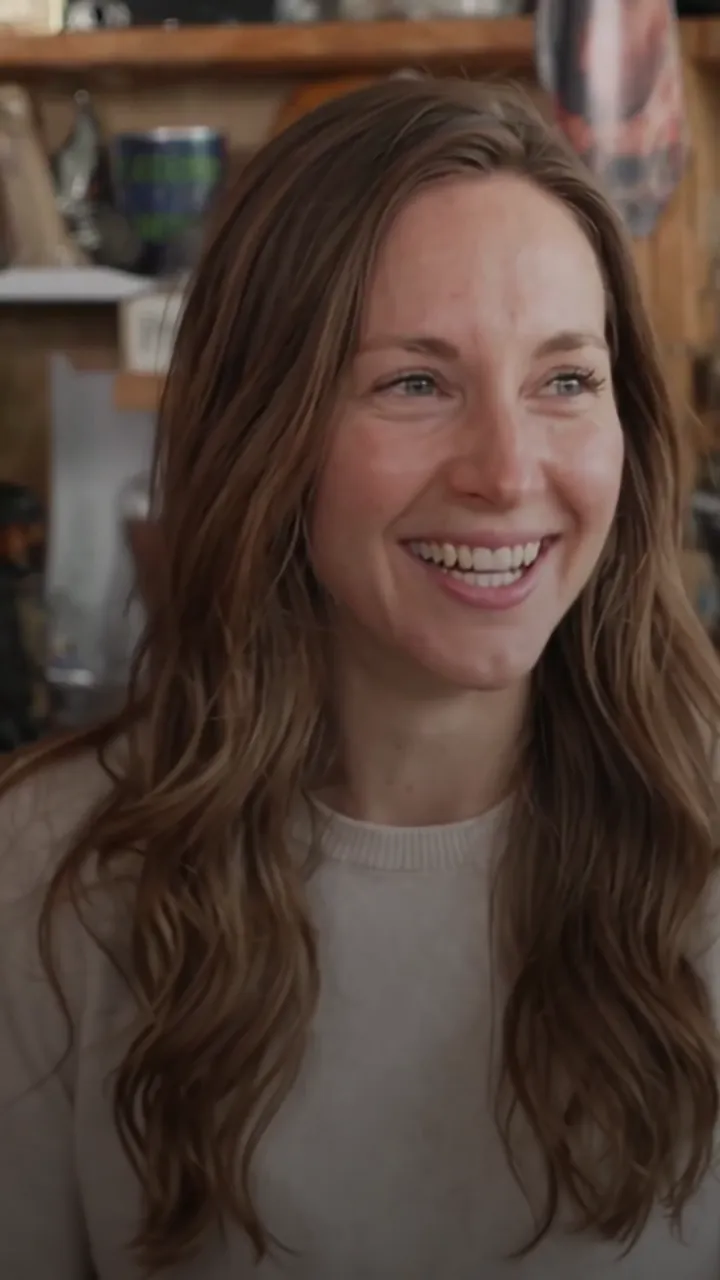
Tiny Desk AI photo requirements — what actually works
Read →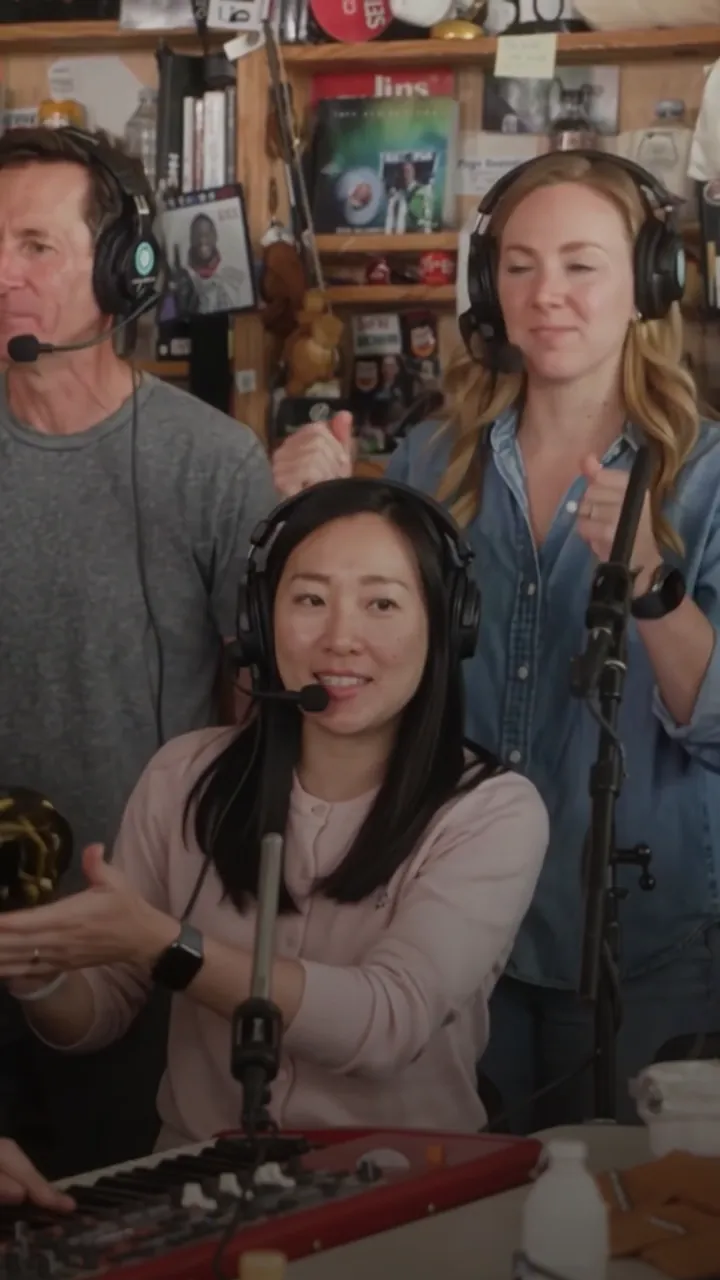
What is Tiny Desk AI? Definition and how it works
Read →The Outstanding Tiny Desk meme, explained
Read →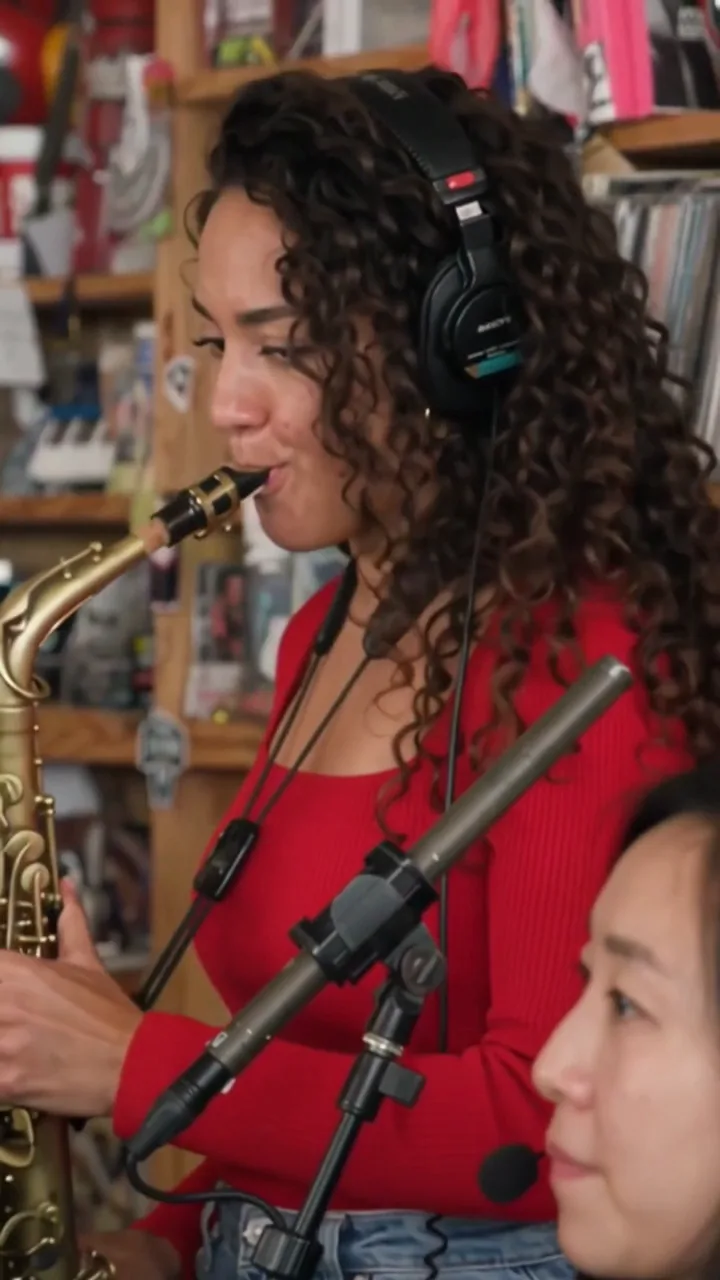
Is Tiny Desk AI free? Credits, cost and refunds
Read →Tiny Desk AI prompts — and why you do not need one
Read →Tiny Desk AI vs face-swap apps and other generators
Read →FAQ
Short answers to the things people ask before they upload a photo.
Still deciding? Start with the full how-to
One photo is enough to start. Five makes the whole band.